Turn Website Visitors Into Conversations
Add a chat widget to your website, connect it to WhatsApp or Website Chat channel, and manage every enquiry from one shared inbox.
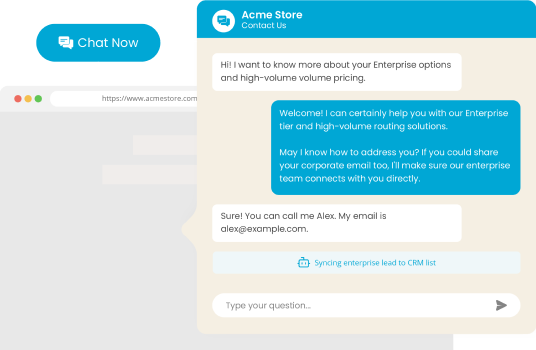
Why The Chat Widget Matters

Capture intent while it’s fresh
Let people start a conversation when they are already browsing and ready to take action.

Reduce missed opportunities
Give potential customers a clear way to reach you before they leave your site.

Grow your email audience
Turn high-intent traffic into subscribers you can continue engaging.

Create a better first impression
Show that your business is available, helpful and easy to reach.
What You Can Do With The Chat Widget
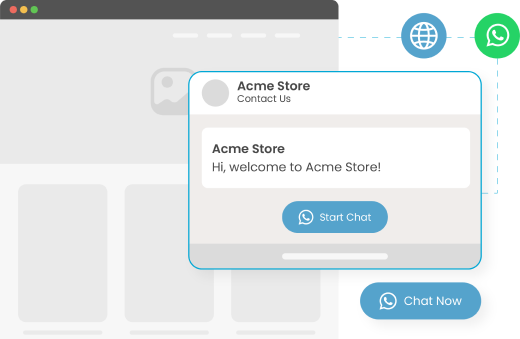
Choose how visitors
reach you
Connect the widget to either WhatsApp or Website Chat channel, depending on how you want conversations to start.
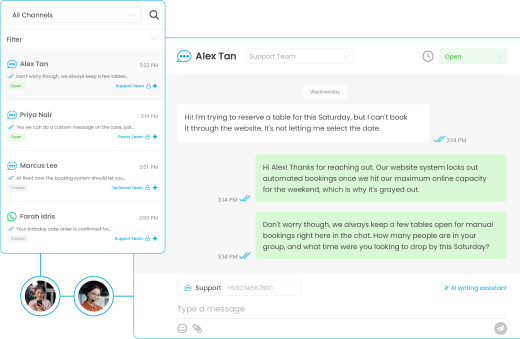
Chat in real time
Answer questions the moment they come up, while visitors are still on your site. No missed opportunities.
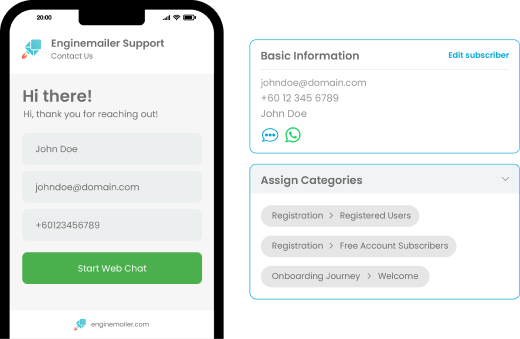
Capture visitor details
Collect visitor details when a chat starts, so interested website traffic can be added to your subscriber list for future campaigns.
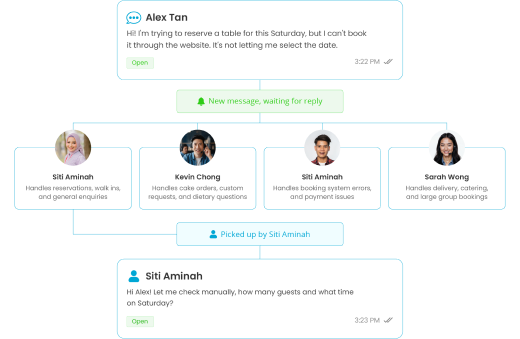
Manage every enquiry
in one inbox
Every chat flows into your shared Conversations inbox, so your team can reply from one place.
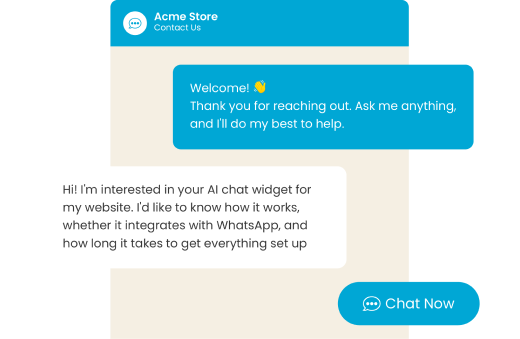
Match the widget
to your brand
Customise the look, behaviour and welcome message, so the chat experience feels like part of your website.
Your Chat Widget,
on autopilot
Let the AI Agent answer website enquiries round the clock, using your own knowledge base. It can collect customer details, build your email list and hand over to your team when a human touch is needed.
Explore AI Agent- Trained on your FAQs, docs and product information
- Sounds like your brand, not a script
- Collects customer details and builds your list
- Hands over to your team when needed
See what our happy customers are saying!




Frequently Asked Questions (FAQs)
The Enginemailer Chat Widget is a widget you can add to your website so visitors can start a conversation with your team. You can connect it to either WhatsApp or Website Chat, and enquiries will appear in your shared Conversations inbox.
No. You can choose which channel your widget connects to: WhatsApp or Website Chat. Once connected, enquiries from the widget will flow into your Conversations inbox.
No. You can use the Chat Widget with Website Chat on its own. If you want visitors to reach you through WhatsApp, you’ll need to connect WhatsApp Business API.
You can add the widget to your website using a short embed code. It works with common website platforms and does not require a developer for a basic setup.
Yes. You can add the AI Agent to answer common enquiries from your knowledge base and hand the conversation over to your team when human support is needed.
Yes. You can customise the widget to match your brand, including its colours, button style, behaviour and welcome message.
Messages from visitors are unlimited. Replies sent by your team or AI Agent count as outbound interactions under your Conversations plan. Full details are available on the pricing page.